Nano Banana 2.1 image generator
Create with Nano Banana 2.1: turn text into an image or guide an edit with a reference photo. Choose 1K, 2K, or 4K output for product visuals, portraits, and concept art.
Model: Nano Banana 2.1
Nano Banana 2.1 is an independently operated image studio. It is not an official Google product and is not affiliated with or endorsed by Google.
Your generated image will appear here. Describe a scene, pick a resolution, and generate.
Everything you need to generate images with Nano Banana 2.1
A focused toolset for turning prompts and references into polished images, without unnecessary complexity.
Powered by Nano Banana 2.1
Create images from text prompts in a focused Nano Banana 2.1 studio, with optional reference images to guide each result.
Optional reference images
Upload a JPEG, PNG, or WebP file (up to 3 MB) or paste an HTTPS image URL to guide composition, style, or subject.
1K, 2K, and 4K output
Choose the resolution that fits your use case, from quick drafts to larger, detailed images.
Five aspect ratios
Square, widescreen, portrait, standard, and tall ratios cover social posts, app UI, and banners alike.
Real-time progress
Track generation from submission to completion with live status updates, no page refresh required.
Instant download
Download your finished image directly from the studio the moment it's ready.
How Nano Banana 2.1 works
Four simple steps from prompt to finished image.
Describe your image
Write a clear prompt in the studio — subject, style, lighting, and mood. Optionally attach a reference image for composition or likeness.
Set ratio and resolution
Pick an aspect ratio (square, widescreen, portrait, standard, or tall) and a resolution of 1K, 2K, or 4K.
Generate with Nano Banana 2.1
Submit your prompt to Nano Banana 2.1 and follow the task status while your image renders.
Download your result
Once generation completes, preview the image and download it in a single click.
What people create with Nano Banana 2.1
A few of the ways creators, marketers, and designers use the studio.
Product photography
Generate clean, studio-style product shots with gradient or solid backdrops for listings and ads.
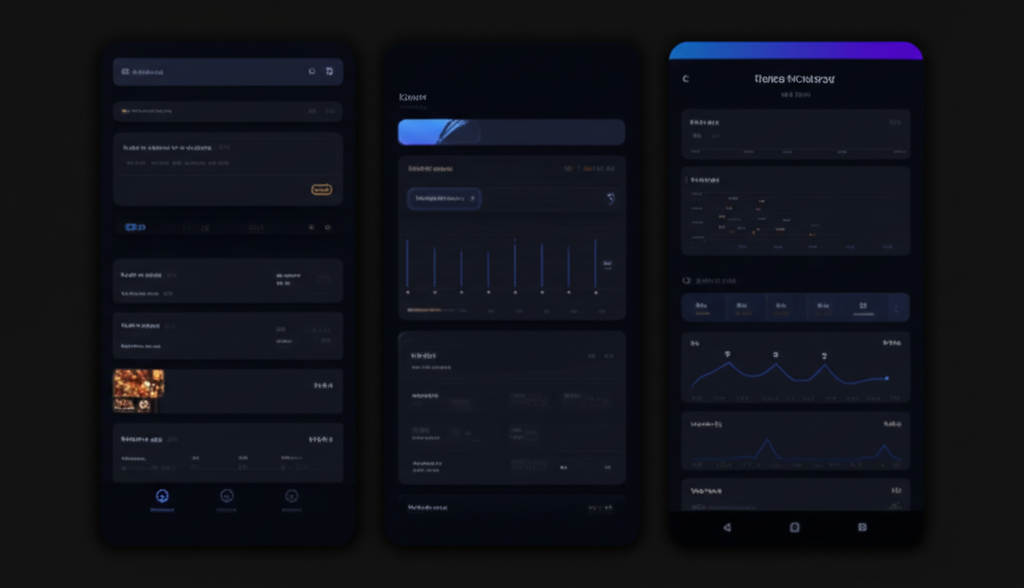
App & UI mockups
Visualize mobile and web interface concepts with realistic device framing before you design them for real.
Marketing graphics
Create eye-catching gradient cards and banner art for social posts, landing pages, and campaigns.
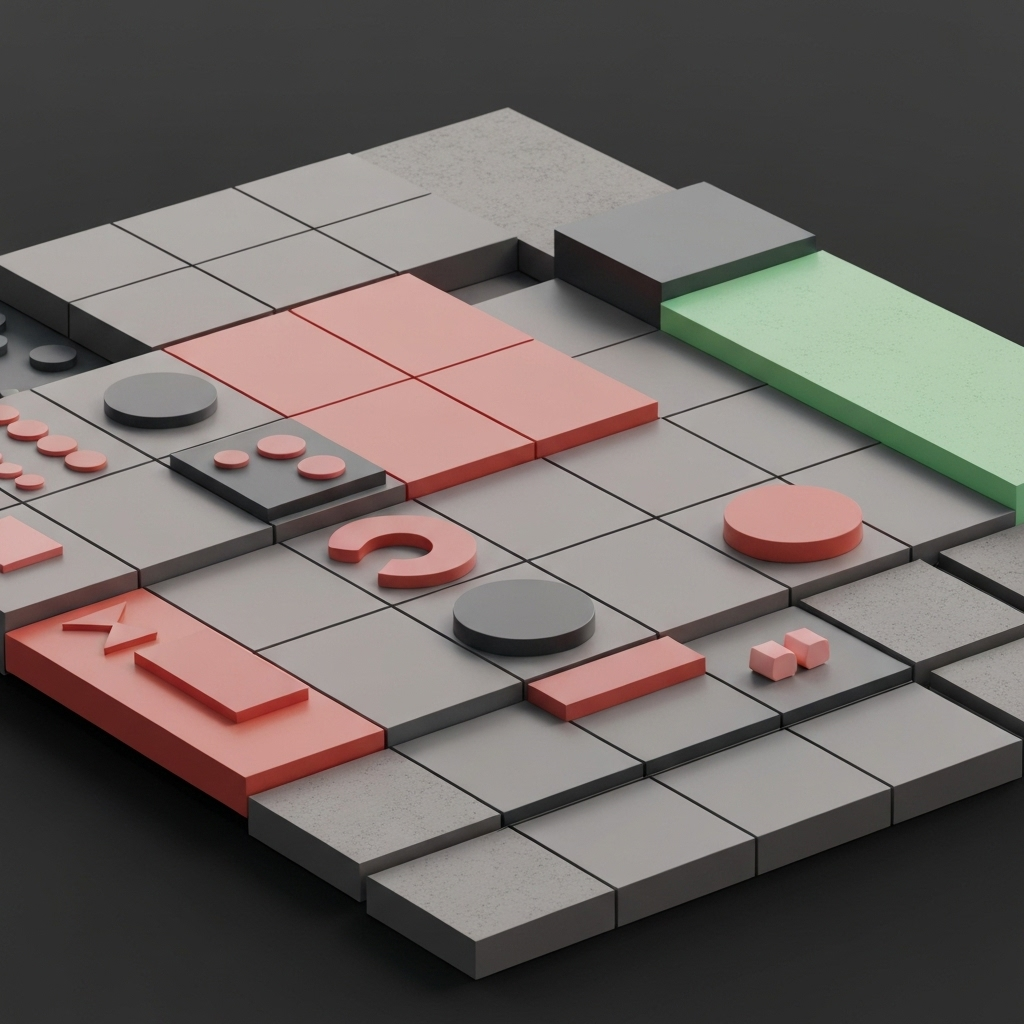
Concept layouts
Explore grid-based layout ideas and compositions for dashboards, portfolios, and presentations.
Inspiration prompts to try
Not sure where to start? Use one of these example prompts in the studio above. The still-life image is a generated result; the other previews are visual references.
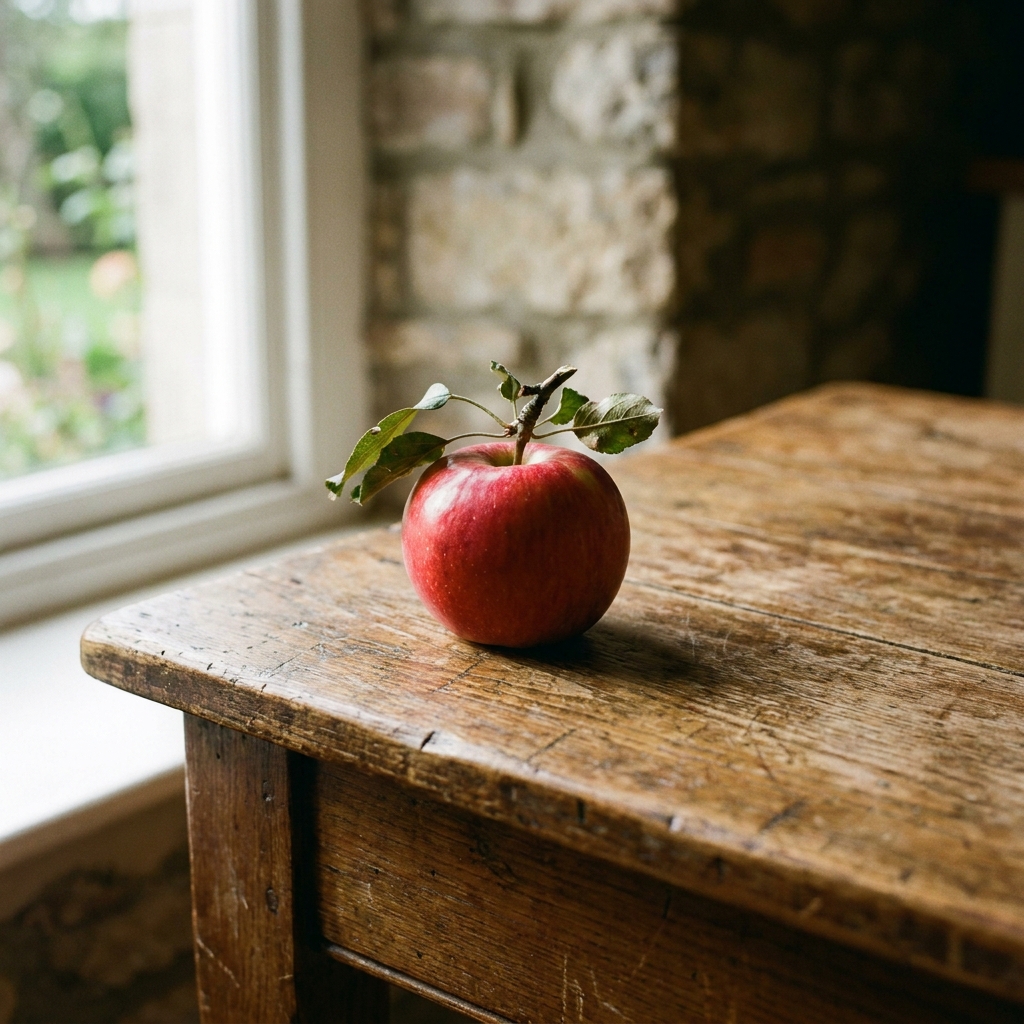
A photograph of a red apple on a wooden table in daylight.
A sleek dark-mode mobile app dashboard UI for a fitness tracker, clean typography, glowing accent charts, realistic device mockup
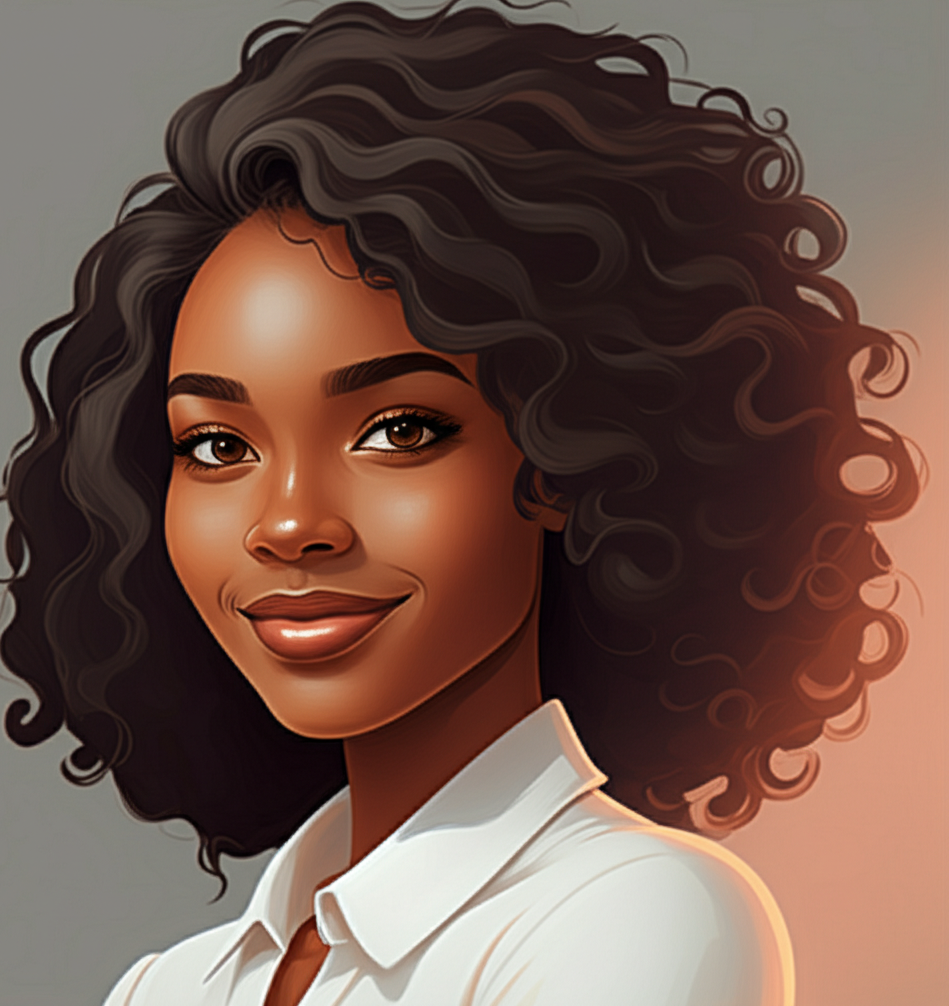
A professional studio portrait of a confident young designer, soft rim lighting, neutral gray background, shallow depth of field, editorial photography